
Node mode
Branch
out.
Split a source, process each path, merge it back.
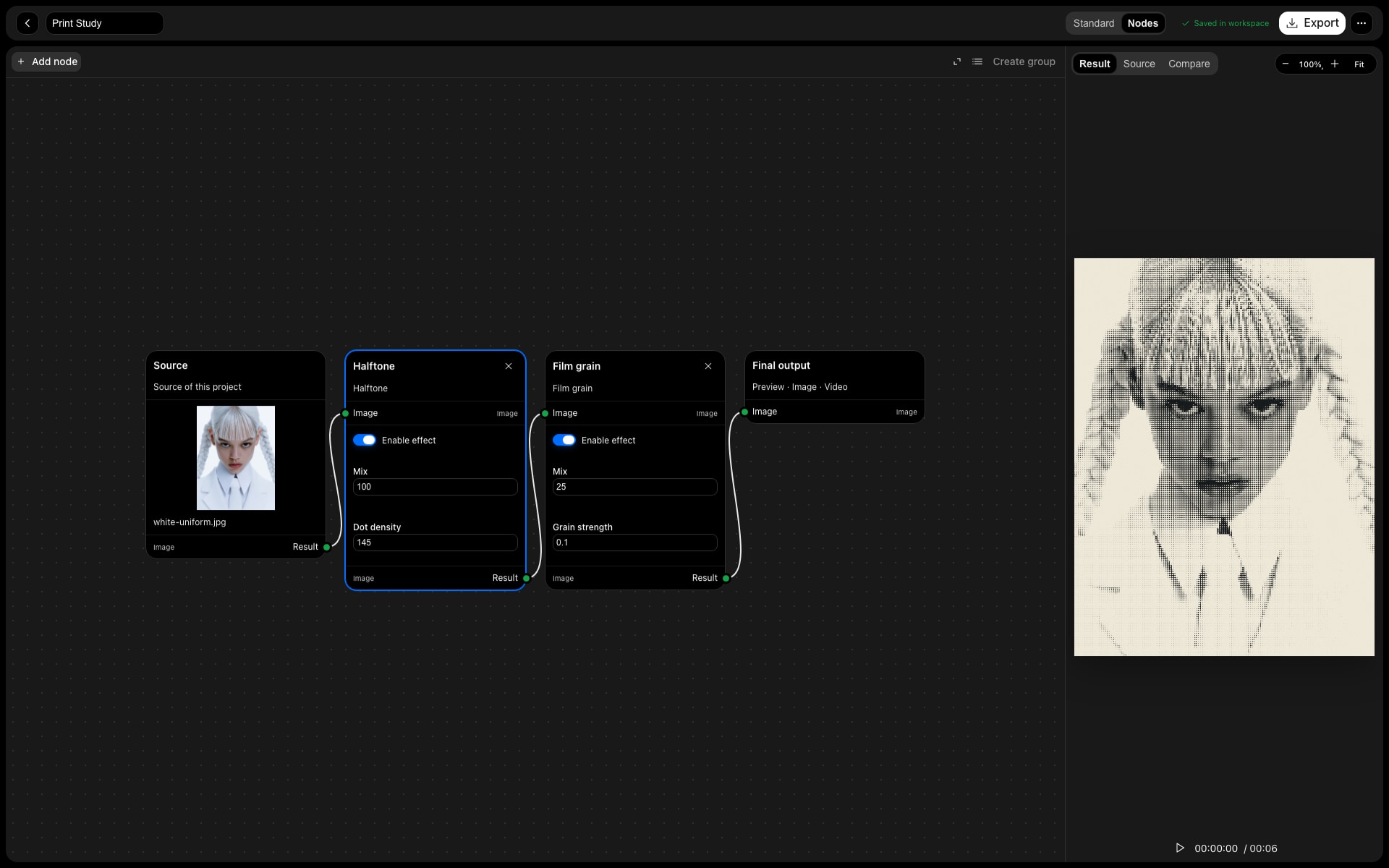
Branch composite
Combine two image paths.
Groups
Organise selected effect nodes into named groups.
Efficient
Only the connected path is rendered.
In practice
One source.
More paths.
A stack describes one sequence. Nodes let you split that source into separate image-processing paths, give each path a different treatment and bring them back together with a branch composite.
The workflow
Three steps.
Your direction.
- 01
Start with a chain
Switch the current project into Node mode. The existing source and effects become a connected source-to-output chain.
- 02
Split and combine
Route the source into two paths. For example, make a print treatment on one branch and an outline on the other, then adjust their composite.
- 03
Organise the graph
Shift-select connected effect nodes and create a named group. Keep the graph and its settings in the editable .raslo project.
Made for
Put it
to work.
Print plus light
Combine a textured image treatment with a separately processed outline or glow.
Manage a complex treatment
Collapse connected effects into named groups to keep a larger graph readable.
A readable working file
Use groups and graph layout to keep the processing order understandable as a treatment grows.
Good to know