
Export
Ship it
anywhere.
Stills, video and sequences — all rendered locally.
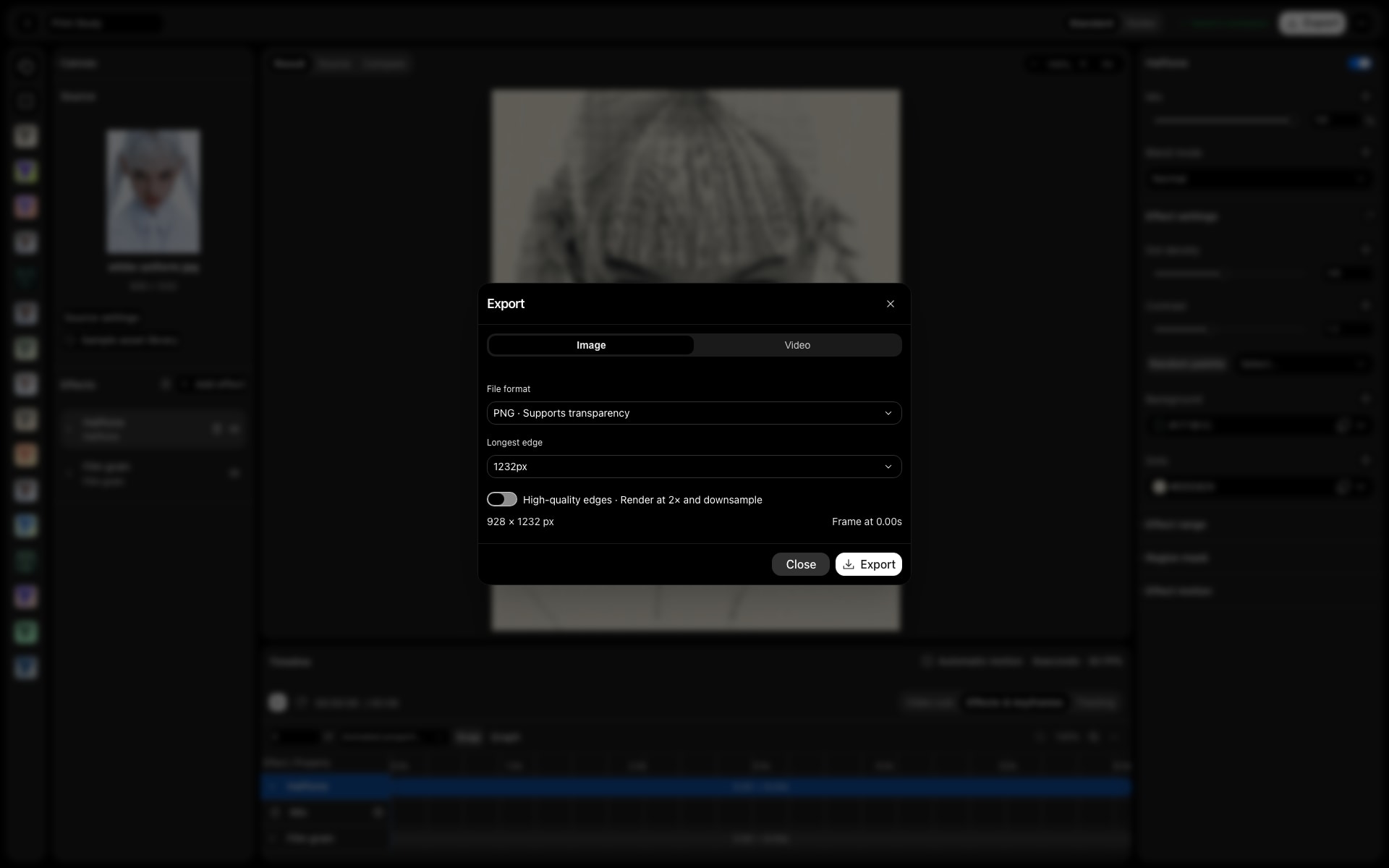
Stills
PNG, JPG or WebP up to 4096px.
Video
Up to 1920px, plus WebM and PNG sequences.
Batch
Style up to 12 images, export one ZIP.
In practice
From working file
to finished asset.
Keep the editable project for future changes, then render the format the next step needs: a still for a layout, a video for playback or a frame sequence for another motion workflow.
The workflow
Three steps.
Your direction.
- 01
Choose the deliverable
Use PNG, JPG or WebP for stills. For motion, choose from the video and frame-sequence options available on the current device.
- 02
Set size and range
Check output dimensions and, for motion, choose an export start, end and frame rate. Preview quality does not set the final export size.
- 03
Render a series
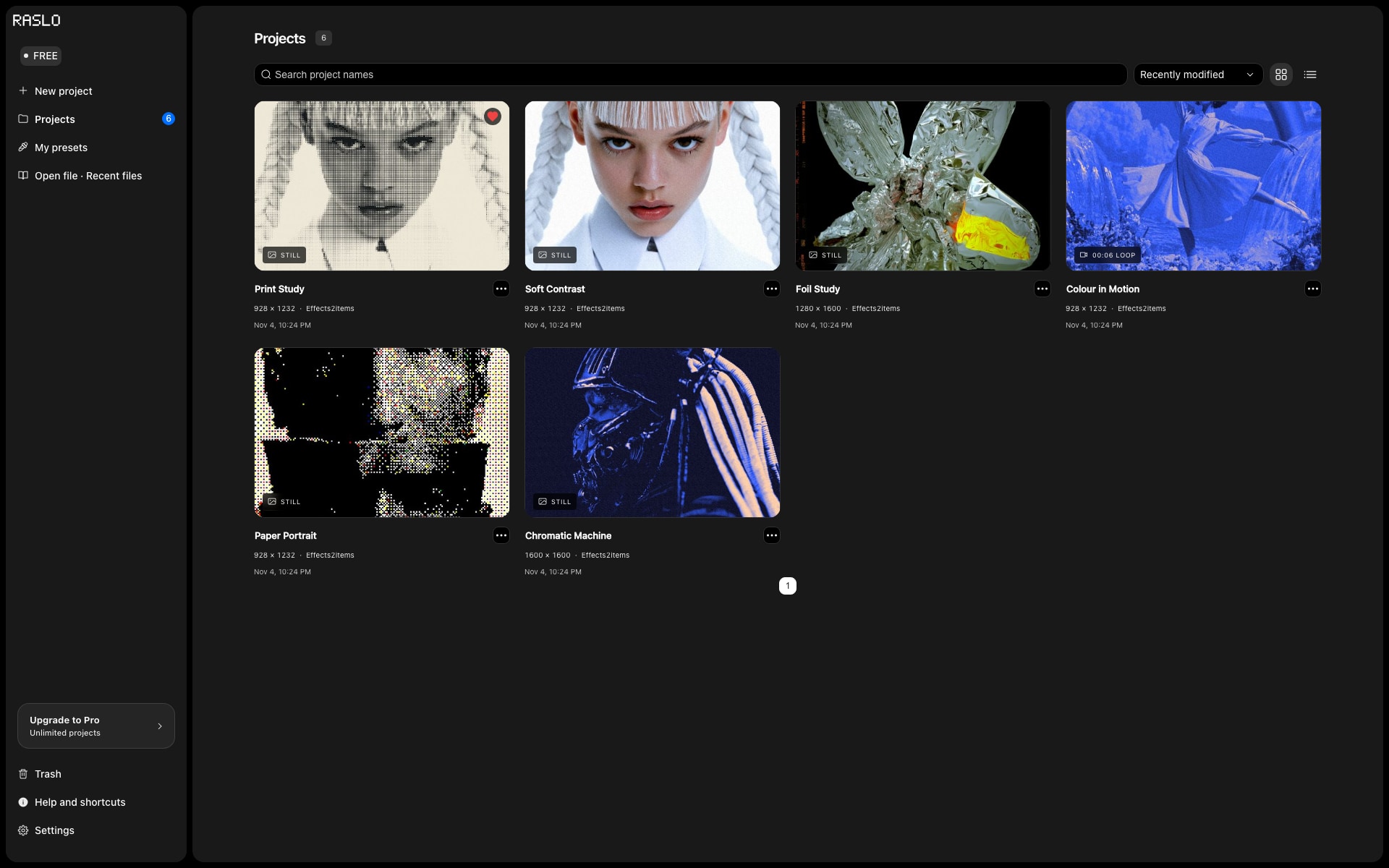
Use multiple-image styling for up to 12 stills, save the individual editable jobs and use batch ZIP export for the resulting series.
Made for
Put it
to work.
Design handoff
Create finished still assets for a layout while keeping the project file available for revisions.
Motion handoff
Use a PNG sequence when the next application needs individual frames rather than a single encoded video.
A consistent image set
Apply a shared treatment to a small campaign series and export the finished results together.
Good to know