

The editor
Stack. Tweak.
Done.
Layer effects, shape their controls and save a reusable look.
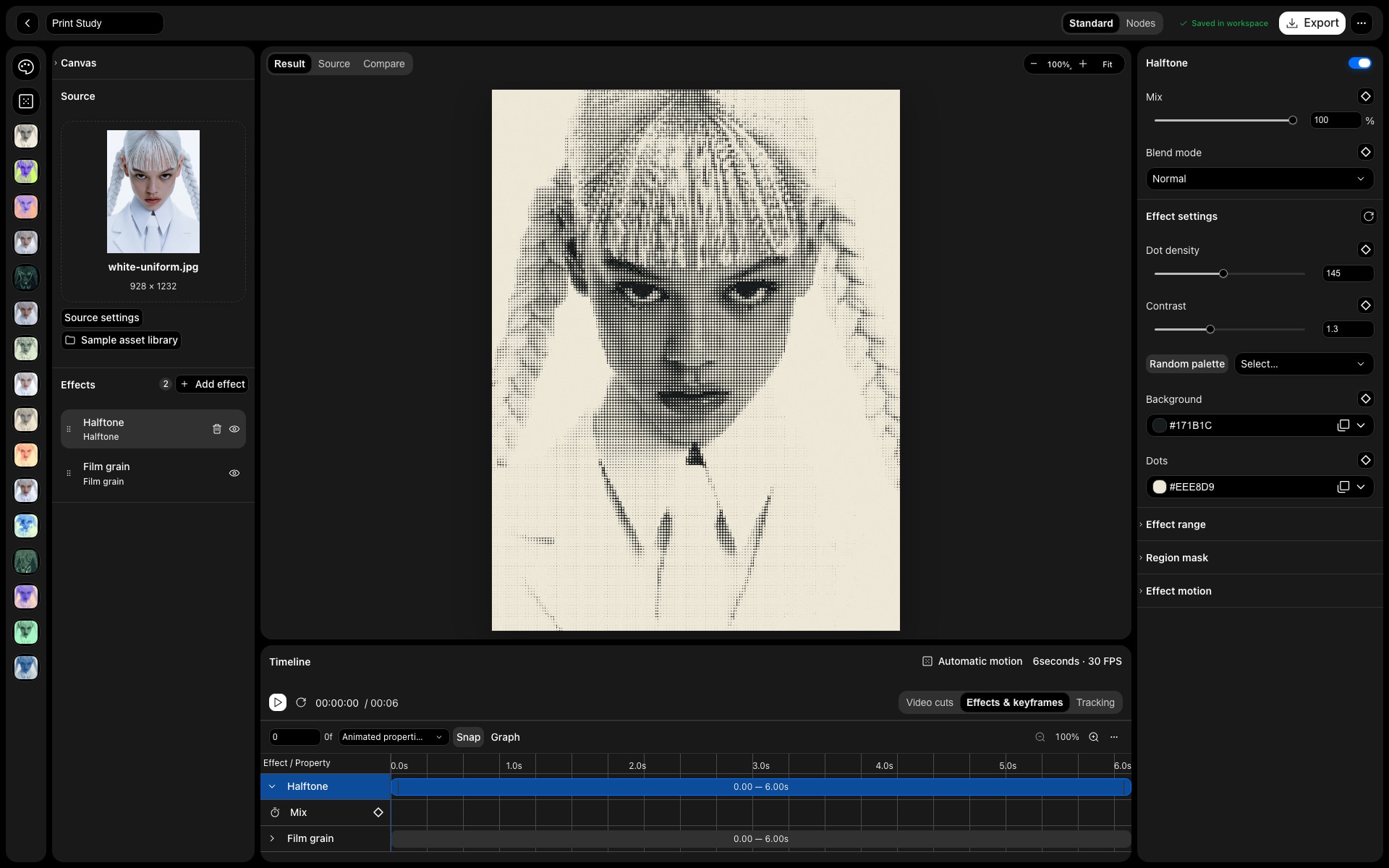
Live preview
Tune settings against a live preview of the current result.
Blend & mask
Mix, blend modes and region masks per effect.
Presets
Save a combination, reuse it anywhere.
In practice
Build a look.
Keep control.
Start with an image, a video, text or a supported 3D asset. Add effects in a stack, adjust their individual controls and keep the source available while you explore. A look is a combination you can revisit, not a flattened starting point for the next edit.
The workflow
Three steps.
Your direction.
- 01
Bring in a source
Drop in your own media or choose a sample. The canvas follows imported media dimensions; adjust its size, background and source placement when needed.
- 02
Shape the stack
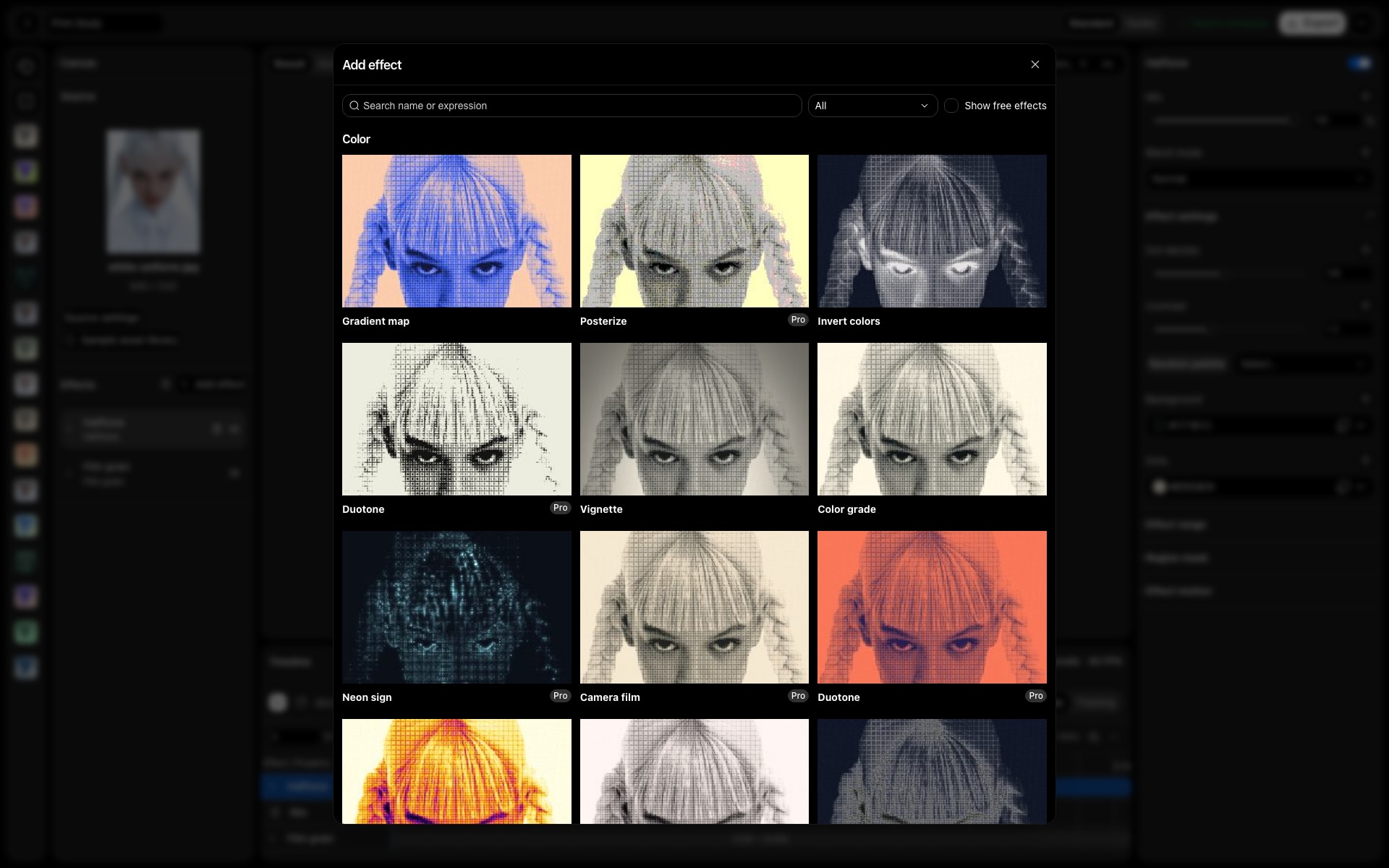
Layer print, texture, colour and distortion treatments. Adjust blend amounts and masks to decide where an effect contributes.
- 03
Keep the recipe
Save the editable project. Reuse a preset when you want the same treatment on another piece of work.
Made for
Put it
to work.
Campaign variations
Keep one source and explore different print or colour directions without rebuilding the composition.
Editorial graphics
Combine halftone, grain and colour treatment for covers, posters and social assets.
A repeatable visual language
Save combinations so a series starts with a shared treatment, then tune each image.
Good to know